
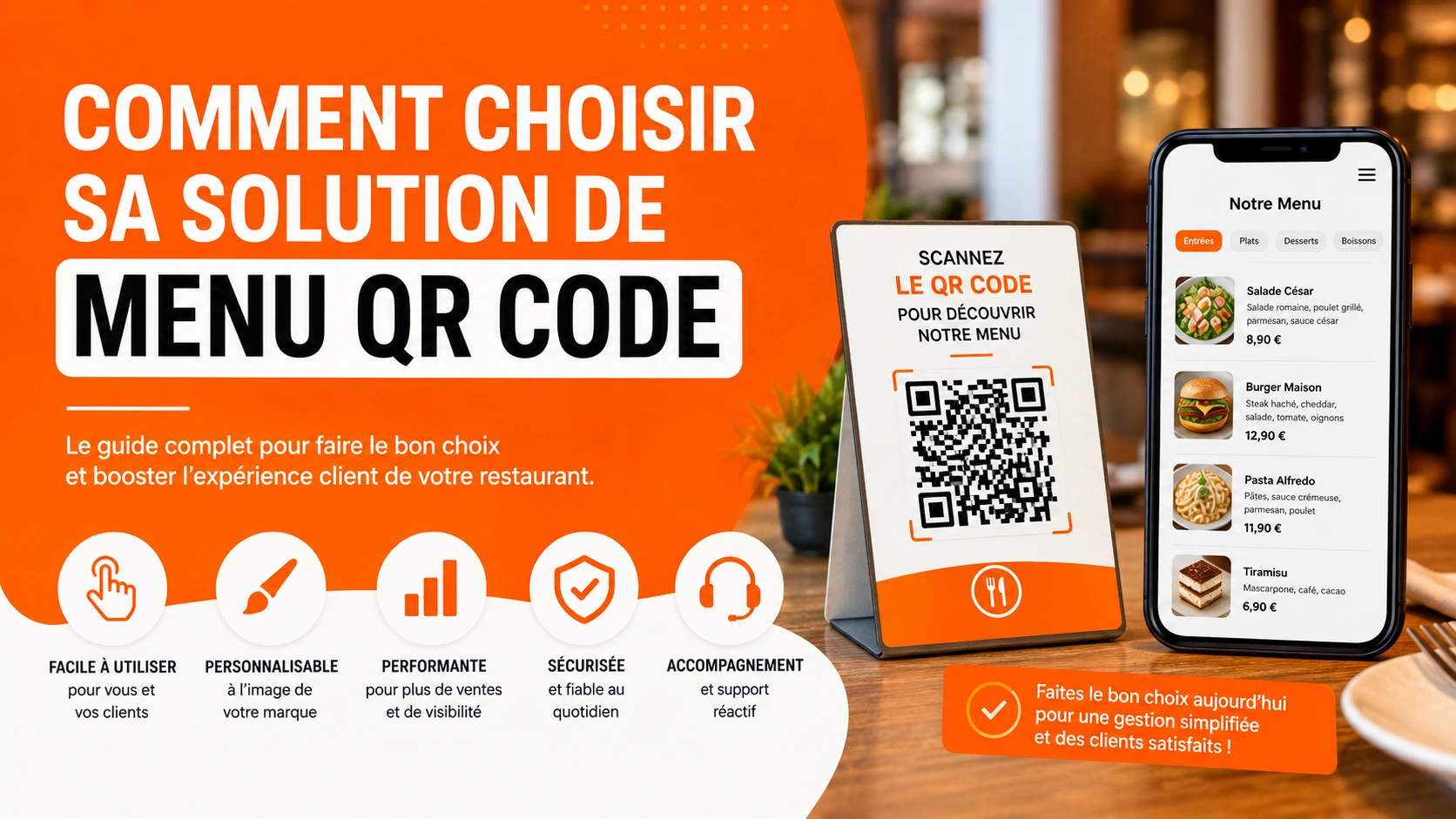
There are now many QR code menu solutions on the market, and they’re not all equal. Rather than giving you a list of tools that will change in six months, this article gives you the objective criteria to check before signing up — and shows you where Scaneat stands on each one.
Price, but not only price
The listed price is only part of the equation. Two questions worth asking every time:
- Can I try it before I pay? Some solutions require a credit card right at sign-up, or offer a free version so limited it doesn’t reflect real-world use.
- Am I locked into a commitment? A 12-month commitment can be a dealbreaker if you just want to try it out.
At Scaneat, the Free plan can be used indefinitely (12 dishes, 5 categories), and paid plans come with a 30-day trial, no credit card required. All subscriptions are commitment-free.
How easy it is to update
A digital menu is only worth it if you can update it yourself, in a few minutes, with no technical skills. Check whether the solution lets you change a price or add a dish without having to contact support or wait for approval.
With Scaneat, every change is synced automatically: as soon as you update your menu from your account, it’s updated in real time on the menu your customers see.
The customer experience, without downloading an app
A good QR code menu should be accessible directly from the browser on your customer’s phone, without asking them to download anything. That’s a friction point many customers won’t accept.
The Scaneat menu opens directly in the browser, on mobile, tablet or desktop, with no installation and no account required on the customer’s side.
The features that actually matter
Beyond just displaying the menu, some features make a real difference depending on your type of business:
- Allergen management — useful, and often required by regulation, as soon as your menu has some depth to it.
- Integrated Google reviews — turns browsing the menu into an opportunity to collect a review.
- Visit statistics — shows you which dishes get the most views.
- Multilingual menu — essential in a tourist area.
At Scaneat, these features become available progressively depending on the plan (allergens from Basic, Google reviews and statistics from Pro, unlimited languages on Premium) — see the details on the Pricing page.
Criteria checklist: what to check before signing up
| Criterion | Why it matters | What Scaneat offers |
|---|---|---|
| A genuinely usable free plan | Test with no financial risk | Free plan, no time limit, 12 dishes included |
| Commitment-free | Keep the freedom to change your mind | All subscriptions are commitment-free |
| Real-time updates | Edit your menu in a few minutes | Automatic sync |
| Customer access without an app | Reduce friction for your customers | Menu accessible directly via browser |
| Allergen management | Regulatory requirement | Included from the Basic plan |
| Integrated Google reviews | Build your online reputation | Included from the Pro plan |
| Visit statistics | Optimize your menu based on data | Included from the Pro plan |
| English-language interface | Ease of everyday use | Platform available in multiple languages |
How to use this checklist
Go through each row of this table and ask the question of whatever solution you’re considering, Scaneat included. A serious provider should be able to answer each of these points clearly — if an answer is vague, or you need to contact sales just to find out the price, that’s generally worth noting.
Conclusion
The right choice mostly depends on your restaurant: a small business just starting out doesn’t have the same needs as a high-traffic, multilingual restaurant. Use this checklist to compare solutions objectively, rather than choosing based on the listed price alone.
Try Scaneat for free and see for yourself →
30-day free trial, no credit card required, no commitment.