Frequently Asked Questions

What is a digital menu?

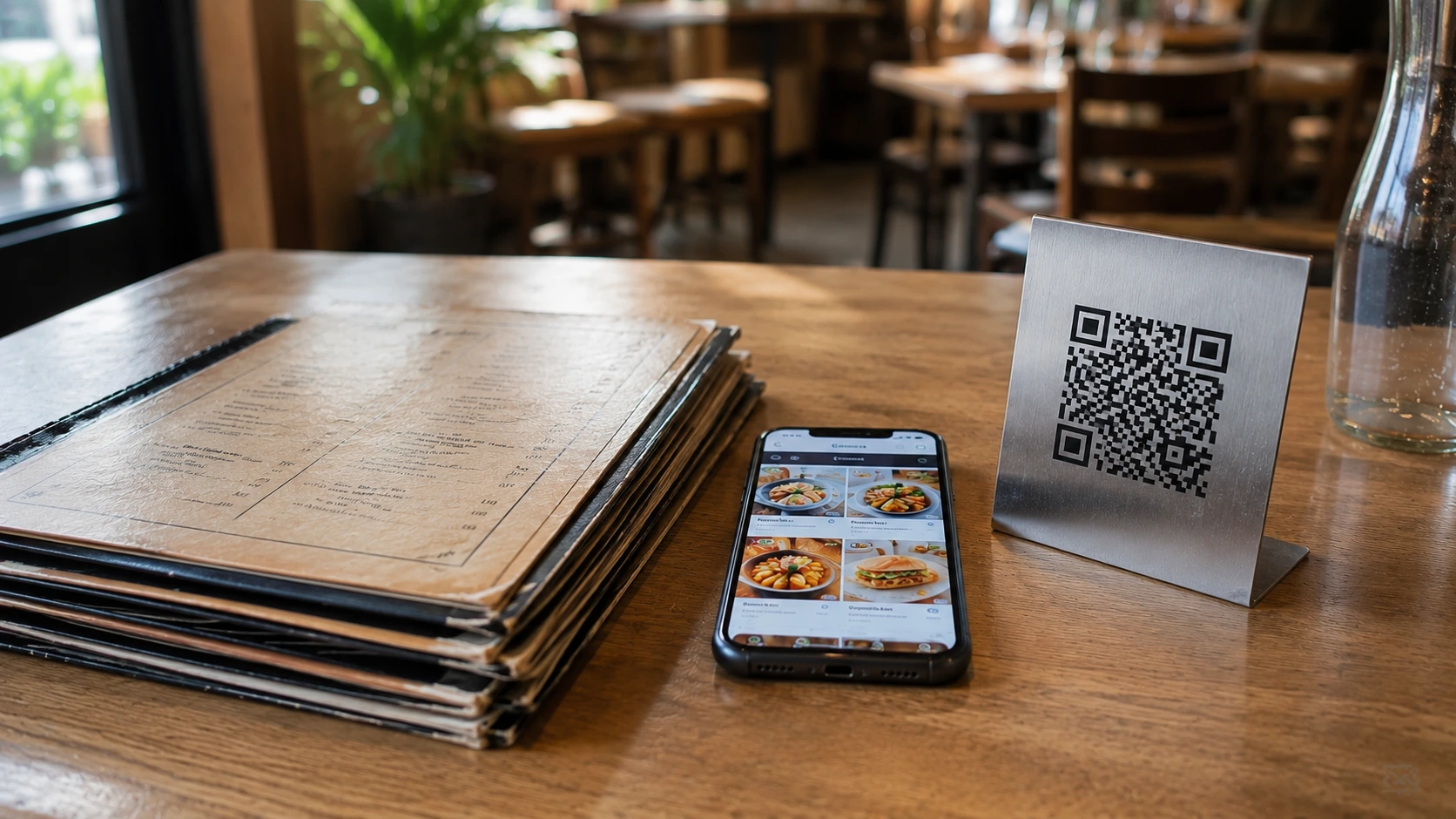
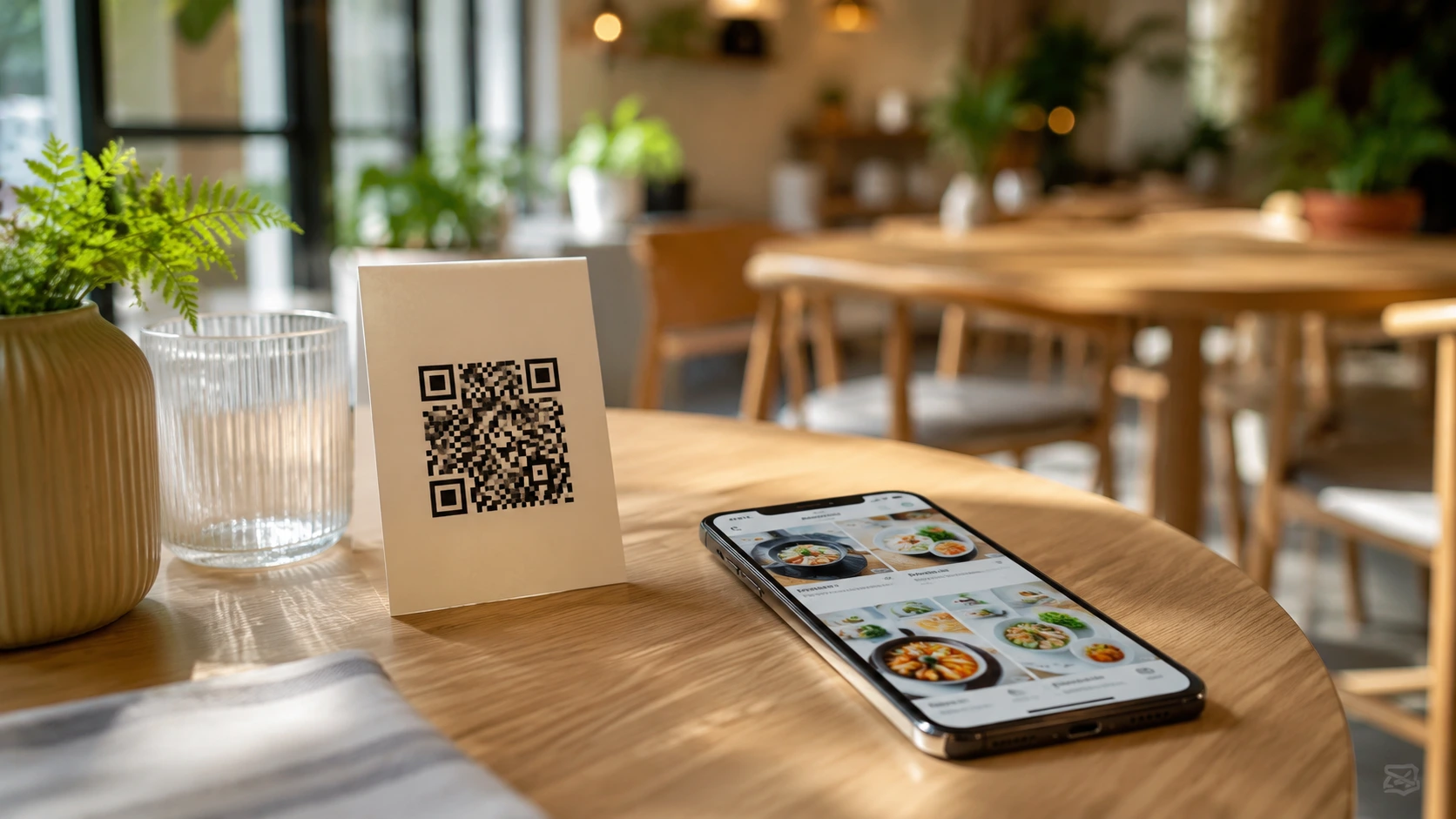
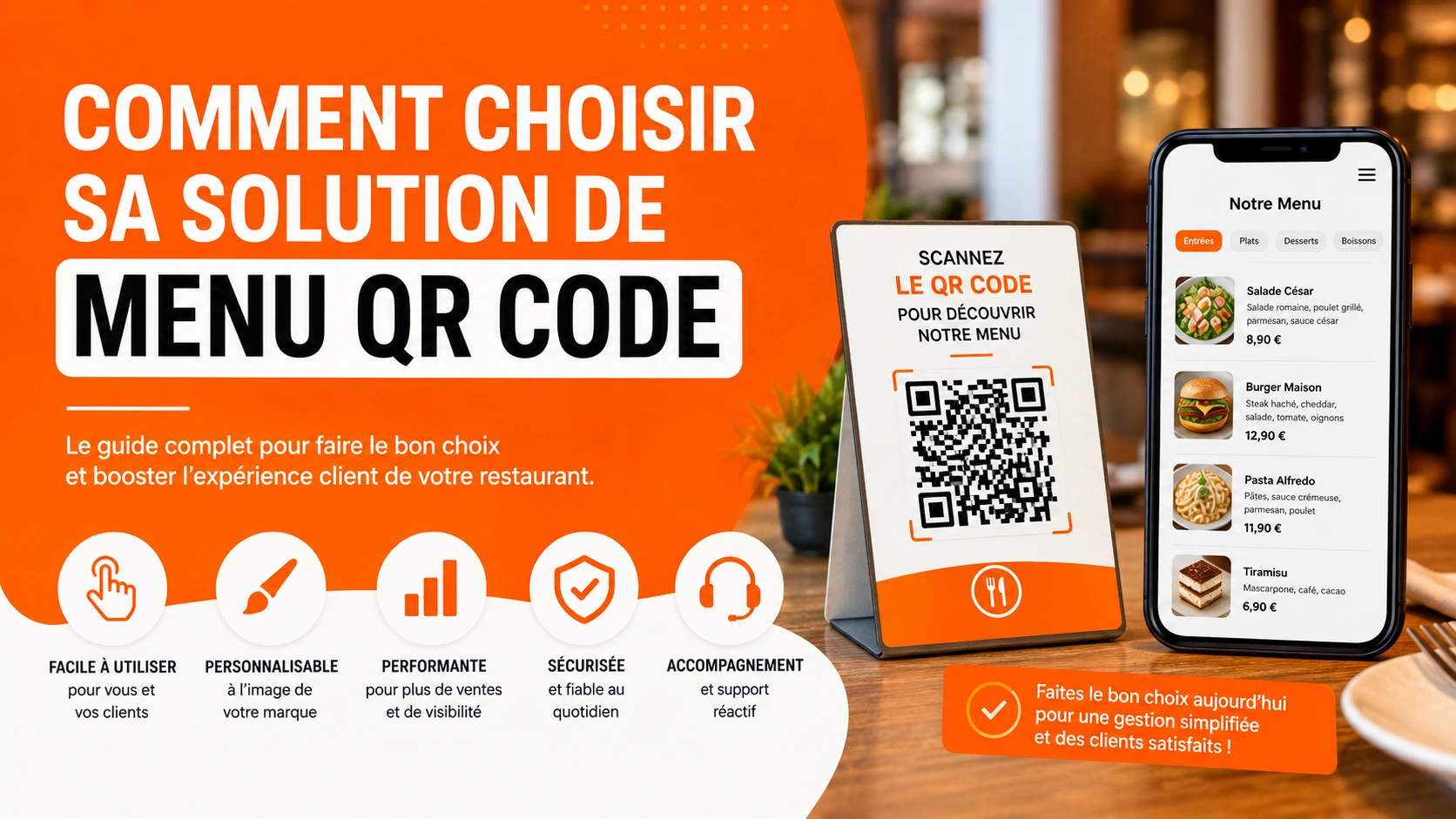
A digital menu, also called a QR code menu, is a menu you can view online and edit at any time. Changes are instant and don’t require changing the QR code. Your customers can access your menu simply by scanning this code with their smartphone.

To digitize your menu, create an account on Scaneat via our sign-up page, then go to your admin dashboard.

  1. Create categories for your products (e.g. starters, mains, desserts…).
  2. Add your products with quality photos to showcase them.
  3. Click Generate My QR Code.

For more details, see: how to digitize your restaurant menu

From your business dashboard, you can customize your menu by adding a cover photo, a thumbnail, or your restaurant’s logo, along with its address. Once customization is done, add your products and generate your digital menu’s QR code.

In your dashboard, click “Products” in the navigation bar.

Then click “Add a product” and make sure to fill in:

  1. The product photo
  2. The product name and category
  3. A short description (e.g. ingredients)
  4. The price
  5. If your dish is homemade, indicate it by displaying the “homemade” badge

Here are the steps to follow:

  1. In your dashboard, click “My QR Code” in the navigation bar.
  2. Customize your QR code’s colors.
  3. Finally, click “Generate” to get your code.

They simply need to scan your QR code with their phone’s camera, no dedicated app required. Google Lens works perfectly too.

You can print this QR code as stickers to place on tables, or turn it into a poster or a sticker for your storefront.

  1. In your dashboard, click “My Networks” in the navigation bar.
  2. Paste your social media links into the appropriate fields.
  3. Then click “Update”.
  1. Cover photo: 1200 x 400 px

  2. Thumbnail and logo: 500 x 500 px

  3. Product photo: 600 x 400 px

The “homemade” label indicates that dishes are prepared or transformed on-site from fresh or raw ingredients, or from traditional culinary staples (oil, butter, bread, etc.).

For more details, see: how to digitize your restaurant menu

Yes, your digital menu stays accessible outside the restaurant: your customers can view it before placing a takeaway or delivery order, especially thanks to the links to your delivery platforms built into your menu.

Yes, the Free plan and the 30-day trial let you test the platform with no credit card and no commitment.

You can cancel directly from your account dashboard.

Get started for free

Enjoy a seamless experience with no demos or hidden fees. Set up your page, add your products, connect your social platforms, and generate your QR code menu in minutes.
QR Code Menu for Restaurants Digital Menu Interactive Restaurant Menu Restaurant QR Menu QR Code Menu Dynamic QR Code Food Tech

Latest blog articles

  • All Posts
  • Menu QR-code